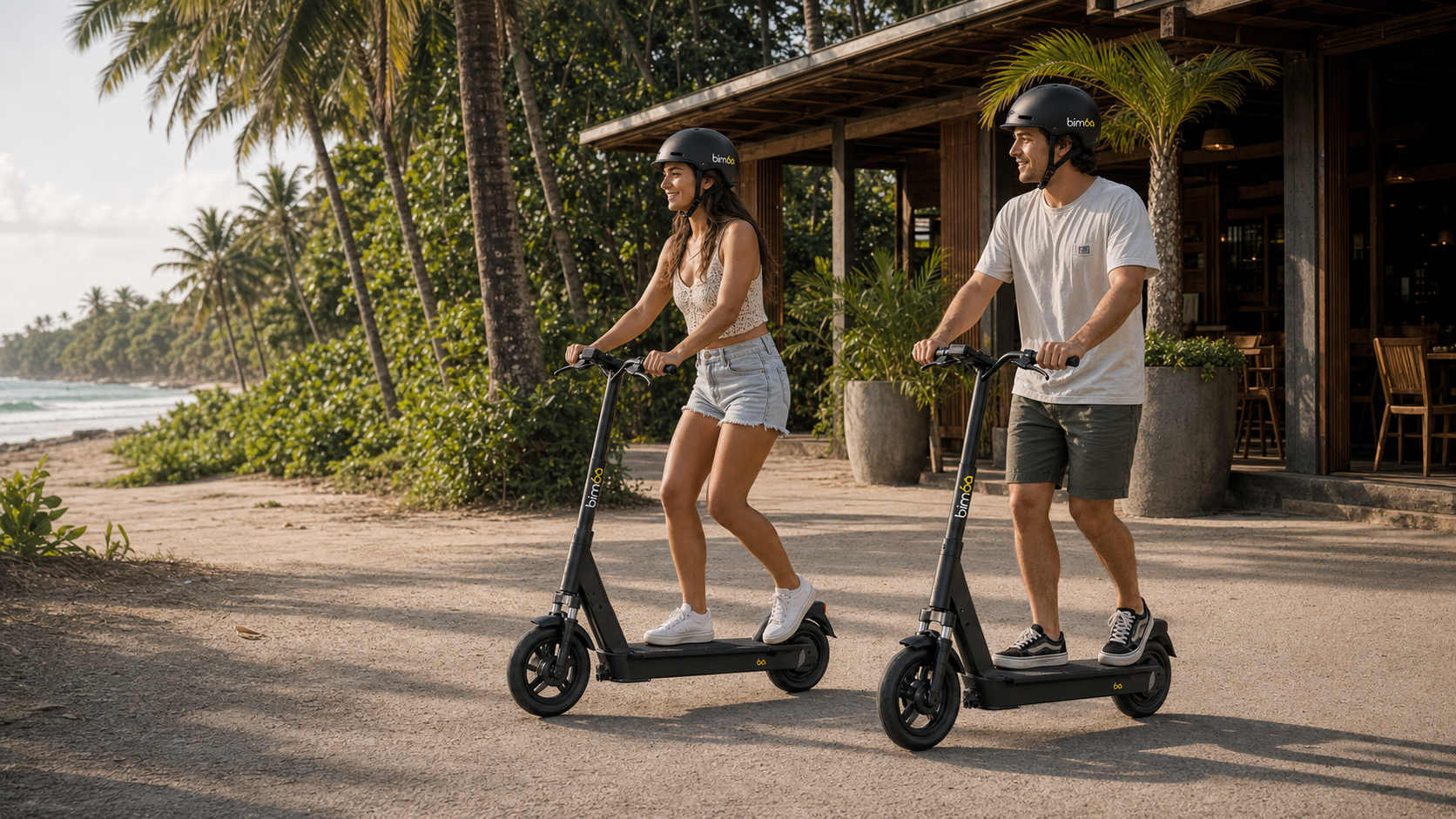
Get the Bimba app
Download the app, create your account and complete any information requested on screen. Turn on the permissions the app needs to show nearby vehicles and start a ride.

Your first Bimba ride
Learn how to find, unlock, ride and correctly park a Bimba shared e-bike or e-scooter in Santa Teresa, Playa Carmen and Mal País, Costa Rica. The live Bimba app is the source for current vehicles, pricing, riding guidance and approved parking locations.
The quick answer
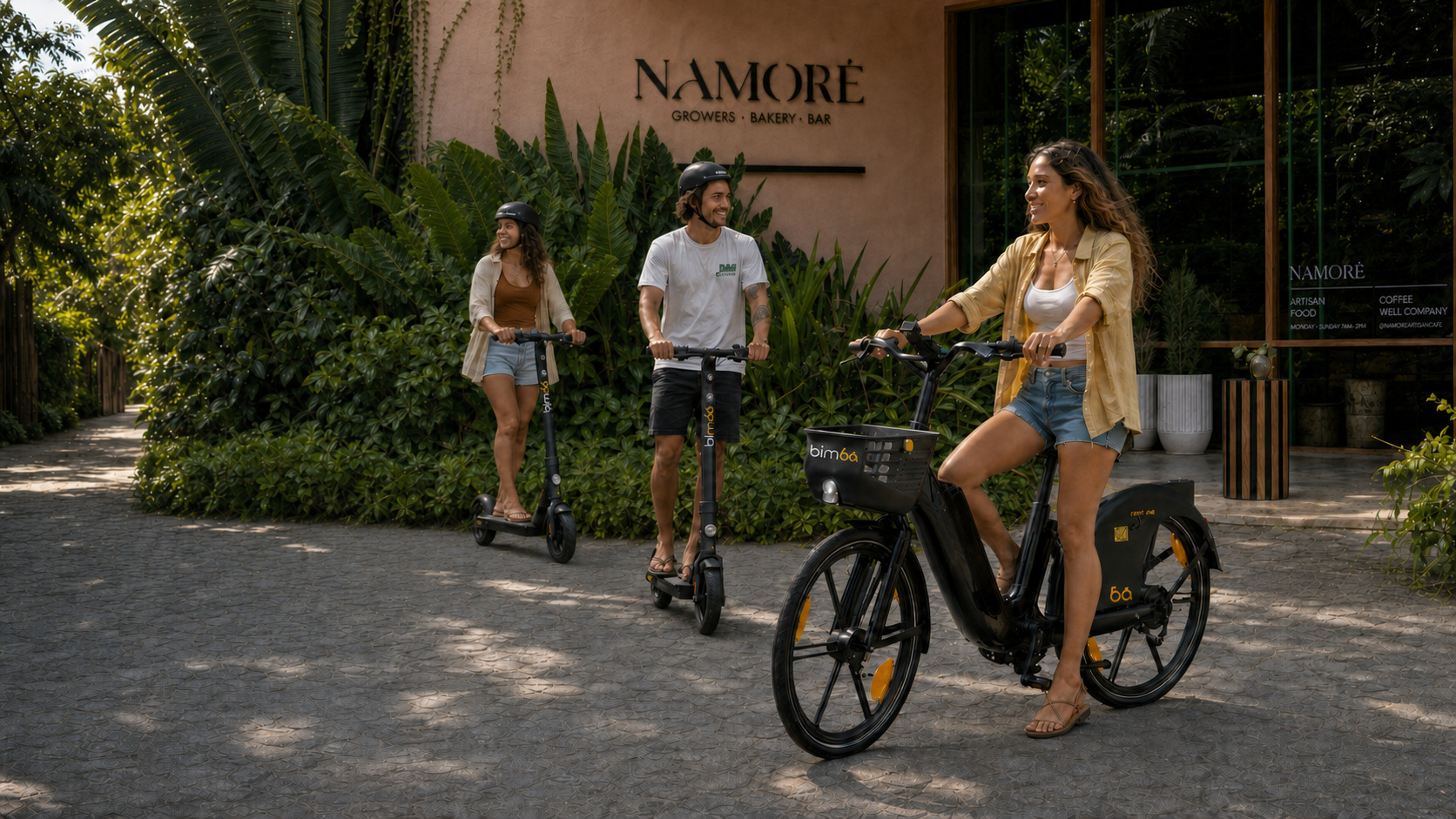
Download the Bimba app, create an account and use the live map to find an available e-bike or e-scooter. Scan the QR code to unlock it, check the brakes, tires and lights, and start slowly. Wear a helmet, follow Costa Rican traffic rules and ride for the road and weather conditions. When you arrive, park at an approved Bimba location without blocking access, tap End Ride and wait for confirmation. If the vehicle feels unsafe or you need help, stop somewhere safe and contact Bimba support.
Four simple steps
Download the app, create your account and complete any information requested on screen. Turn on the permissions the app needs to show nearby vehicles and start a ride.
Use the live map to see nearby e-bikes, e-scooters and approved parking locations. Availability changes as riders begin and finish trips, so check the app before walking to a vehicle.
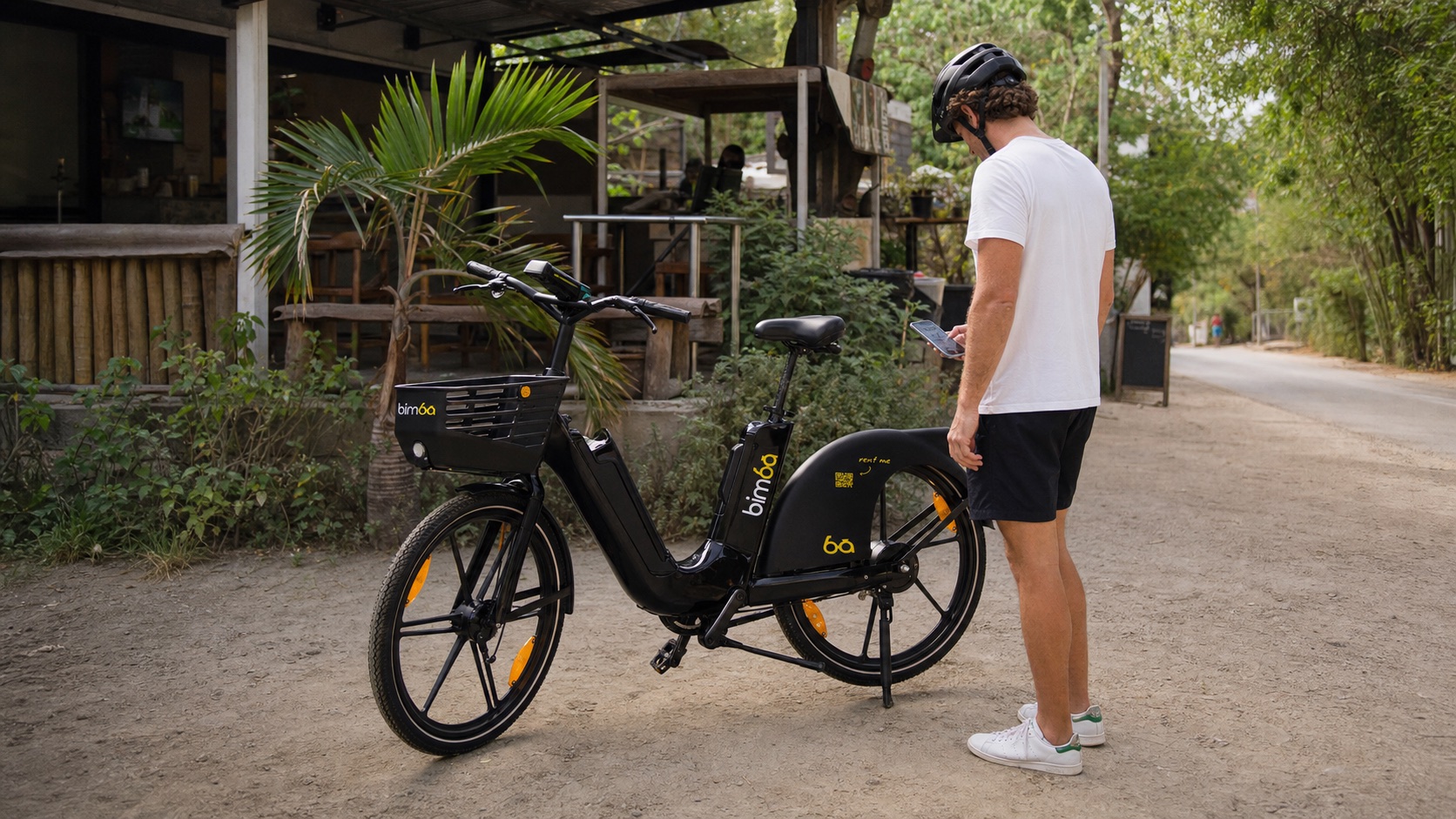
Scan the QR code to unlock. Before moving, check the brakes, tires, lights, frame, controls and remaining battery shown in the app. Choose another vehicle if anything appears damaged or does not work normally.
Start slowly and follow local traffic rules. At the end, use an approved Bimba parking location, leave the vehicle upright without blocking access and confirm that the ride has ended in the app.
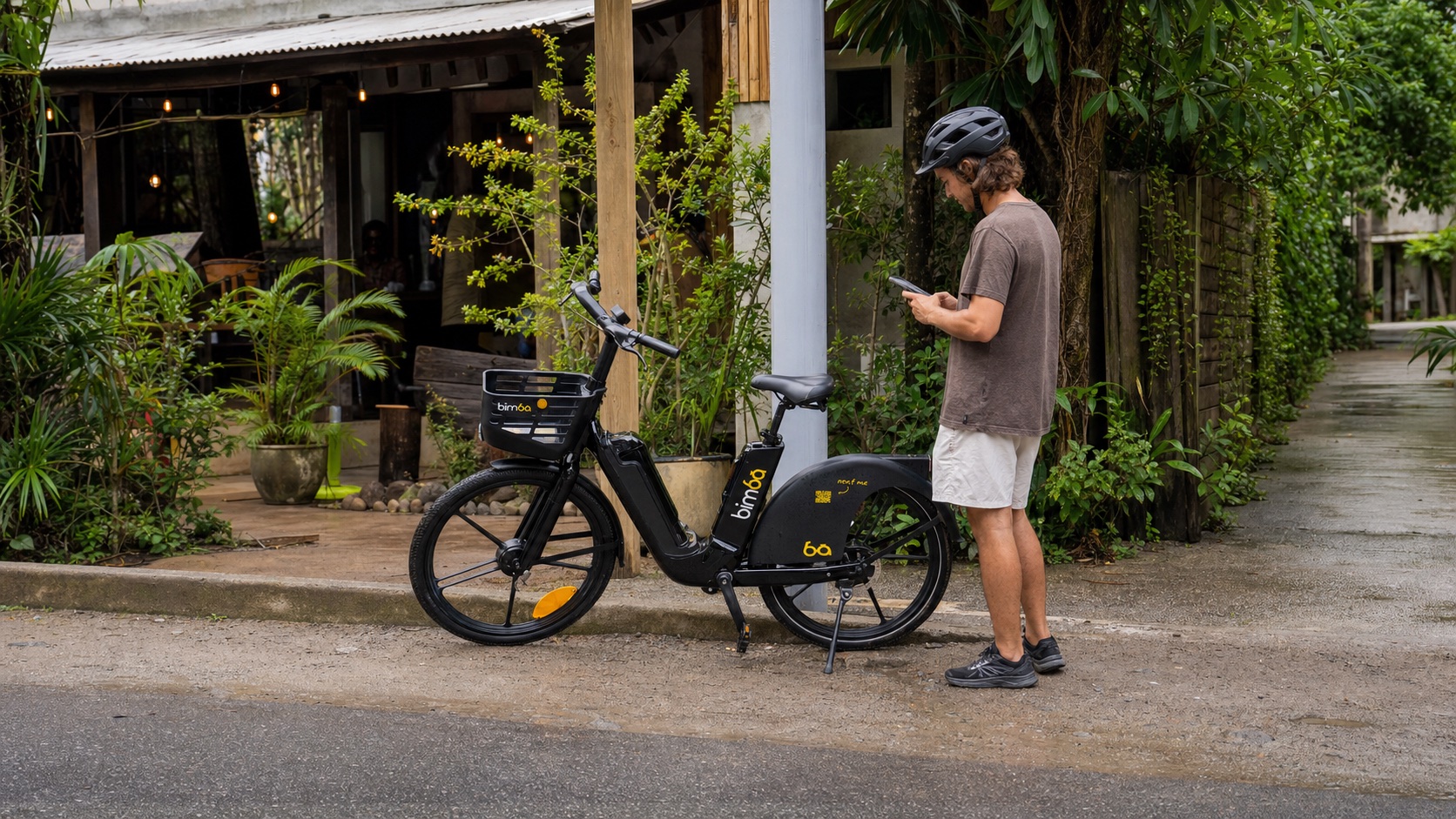
Before every ride
A shared vehicle may have been used since the local team last inspected it. A quick check helps you decide whether this particular vehicle and today’s conditions are suitable.
Choose the ride that fits
Both vehicles use the same Bimba app, but they feel different. Take a moment to understand the controls before entering traffic.
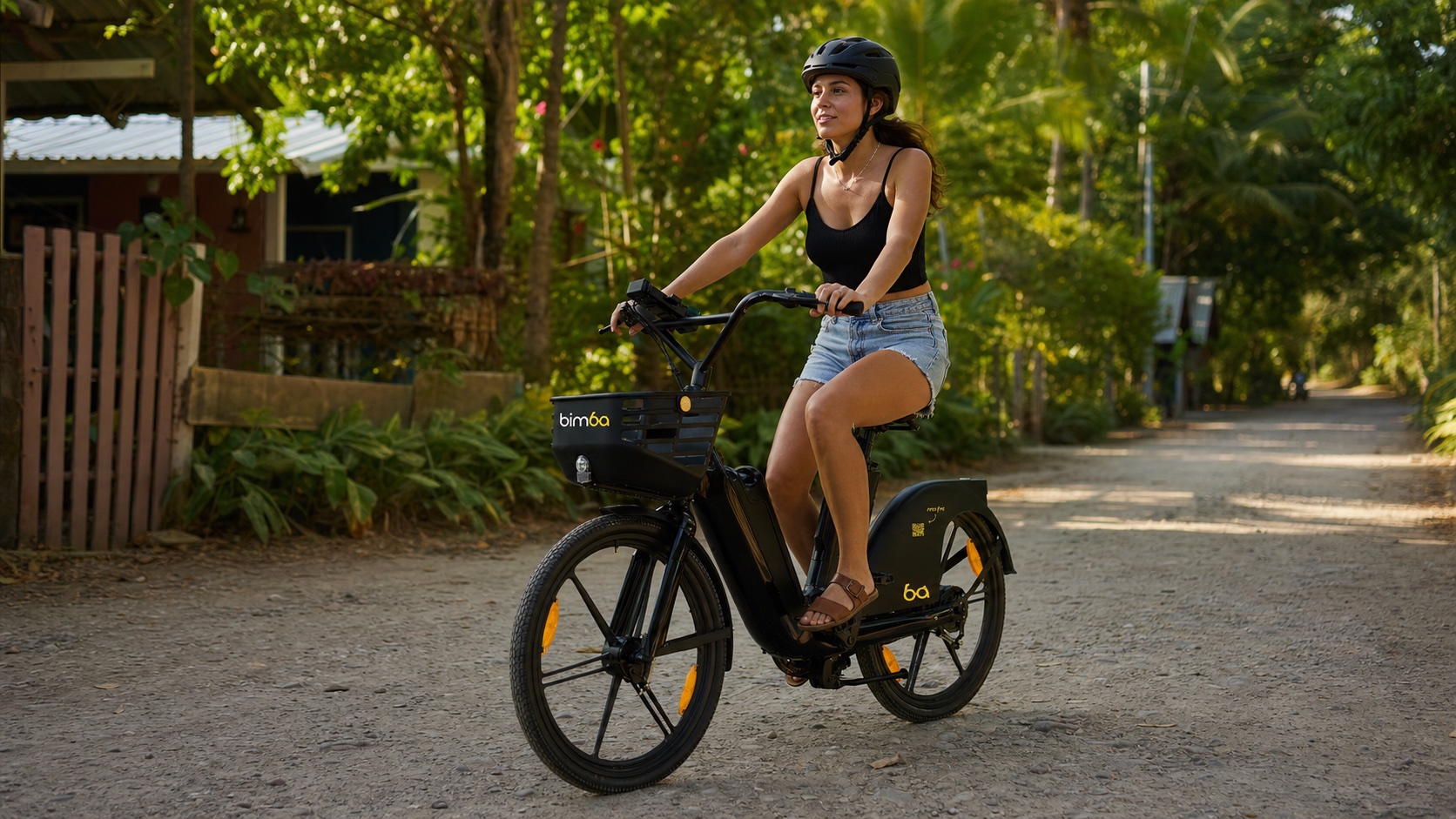
Bimba e-bike
Bimba e-scooter
Ride responsibly
Wear a properly fitted helmet and follow applicable Costa Rican traffic laws, signs and signals. Keep both hands ready to control the vehicle, do not use a phone while moving and never ride while impaired.
Santa Teresa roads can change quickly with traffic, dust, loose gravel, standing water and heavy rain. Slow down before uncertain surfaces. Do not continue if visibility, weather, traffic or the vehicle makes the trip feel unsafe.
Bimba is well suited to many short local trips. Choose a taxi or another appropriate option when carrying luggage, traveling in severe weather, riding late at night or going somewhere beyond your experience or the current operating area.
Finish correctly
Use the current parking points shown in the Bimba app. Do not rely on an old screenshot or a remembered station.
Leave the vehicle upright and out of roads, driveways, entrances and pedestrian routes.
Follow the on-screen steps, provide a parking photo if requested and wait for confirmation that the trip has ended.
Stay with the vehicle and contact support with the vehicle number, your location and a screenshot of the message.
Need help during a ride?
If anything feels damaged, unstable or unexpected, move out of traffic without taking additional risk and do not continue riding. Contact Bimba with the vehicle number, your location and a short description. For immediate danger or serious injury, contact Costa Rican emergency services first.
First-ride questions
These answers summarize the normal Bimba journey. Follow current instructions in the app when they differ.
No advance reservation is normally required. Open the Bimba app to view current vehicle availability before you leave. Availability can change at any time.
The live map in the Bimba app shows available vehicles and approved parking locations around the active Santa Teresa service area.
Make sure the camera can see the complete code and that your connection is stable. Follow any alternate identification option shown in the app. If it still fails, use another available vehicle or contact support.
End at an approved Bimba parking location shown in the app. Keep roads, entrances and pedestrian access clear, then confirm that the app shows the ride as ended.
Stay with the vehicle, confirm that you are inside an approved parking location and retry with a stable connection. If the problem continues, contact Bimba support and include the vehicle number and location.
Do not ride when rain, wind, darkness, road conditions or visibility make the trip unsafe. Stop somewhere safe and choose a taxi or another suitable transport option.
Ready to find a ride?
Open the live map, find a nearby e-bike or e-scooter and choose the vehicle that fits today’s trip and conditions.