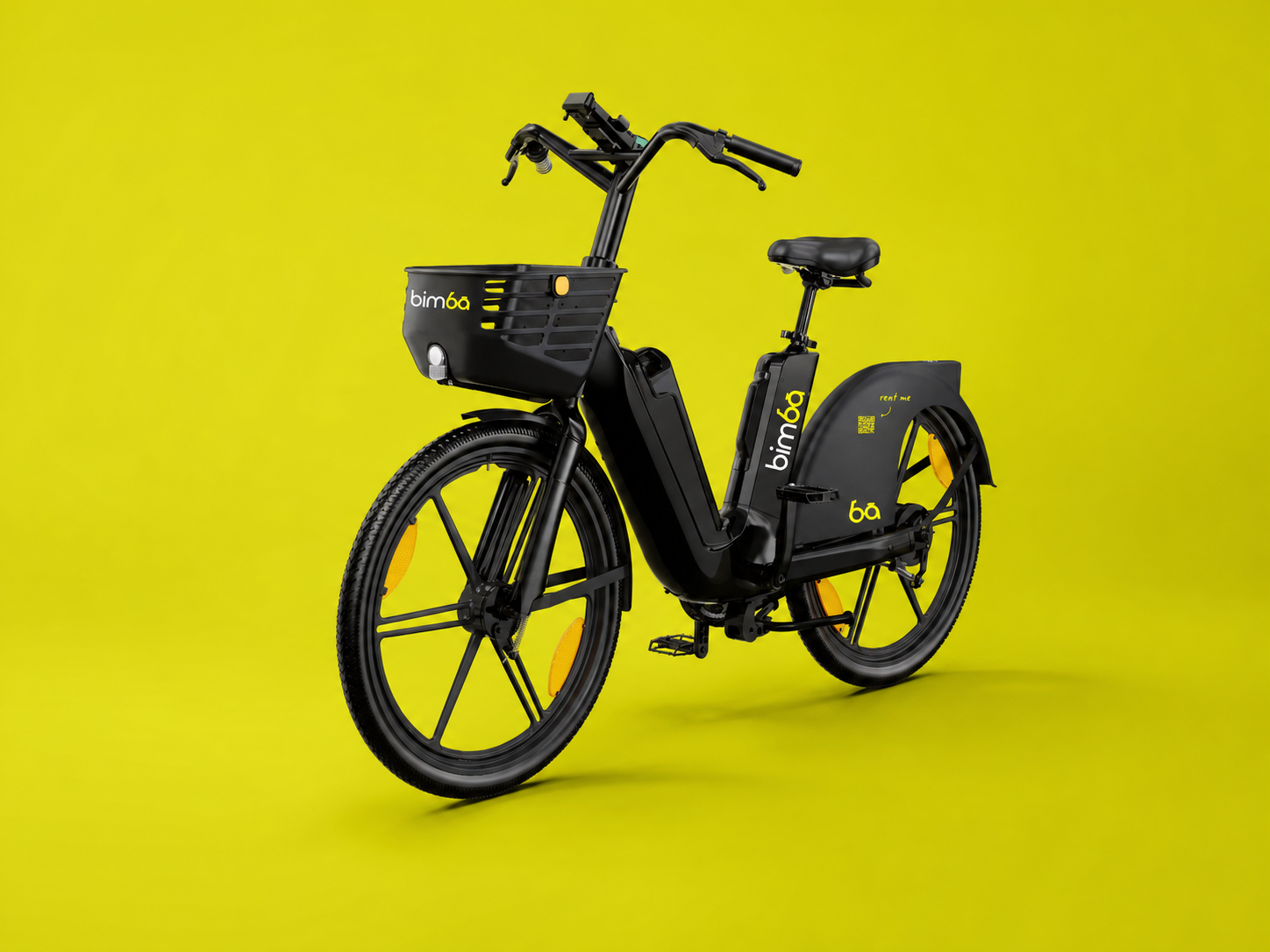
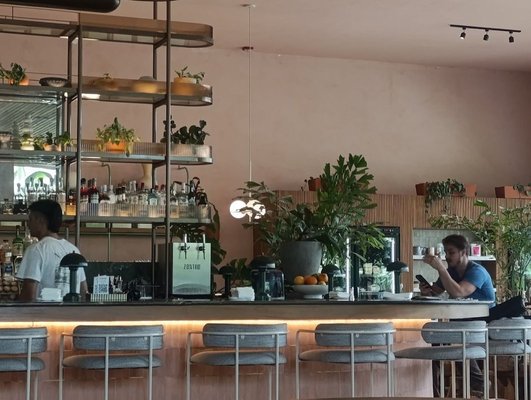
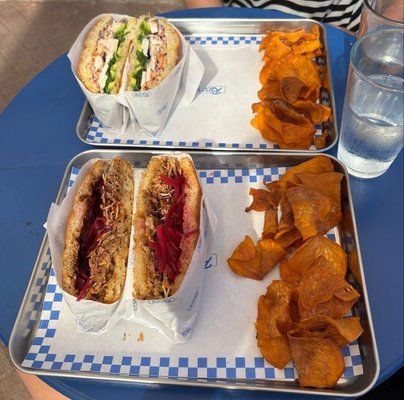
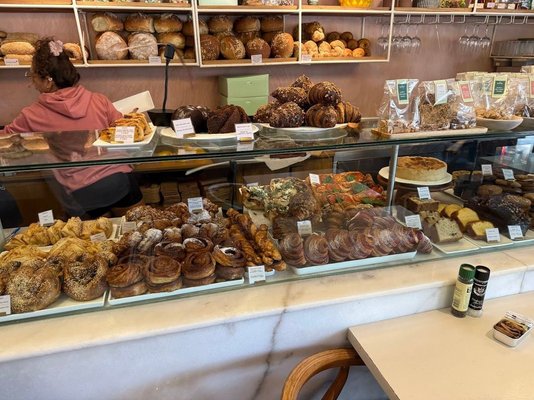
Find Bimba rental locations at local businesses across Santa Teresa, Playa Carmen and Mal País. Explore the verified network here, then open the live app before you walk or ride to a location, the fleet keeps moving throughout the day.
Bimba operates a shared network of 25 approved parking locations across the Santa Teresa area, including Playa Carmen and Mal País. Locations are hosted by independent cafés, restaurants, markets, surf camps, accommodation providers and other useful local businesses. Some have physical locking and charging docks; others provide a clearly approved parking area without charging hardware.
The map below helps you understand the network and get directions. It is not a promise that a bike or scooter is currently waiting at every pin. Open the Bimba app for live vehicle availability, the current operating area and the parking points available for your ride. Confirm the destination before setting off and check that the app closes the ride before leaving the vehicle.
Interactive location directory
Select a pin.Meet the place.
Choose a location for verified business details, available photography and directions. The list follows the coast from north to south; live vehicles remain visible only inside the Bimba app.
01Bimba parking location
Café & food stop
Gula
Approved Bimba parking · Santa Teresa, Costa Rica
Pause your Bimba here for an easy café stop before continuing along the coast.
What you’ll find
Coffee, breakfast and casual food in North Santa Teresa.
These locations provide physical docking for compatible Bimba vehicles. They sit within a wider network of approved parking points at local businesses, making it easier to plan everyday trips for food, accommodation, errands and services.
Physical dock
Somos Hostel
A northern Santa Teresa stop connected with accommodation, surf culture and the surrounding business area. Check the app for the precise parking position and current vehicle availability.
Physical dock
Namoré
A convenient central stop for groceries, baked goods and drinks. Use the Bimba app to navigate to the parking point and check which vehicles are available now.
Physical dock
Rico's
A Playa Carmen-area food stop within the approved Bimba network. Arrive slowly, protect the customer entrance and follow the station indicator before leaving.
Physical dock · near The Bakery
Liam's Place
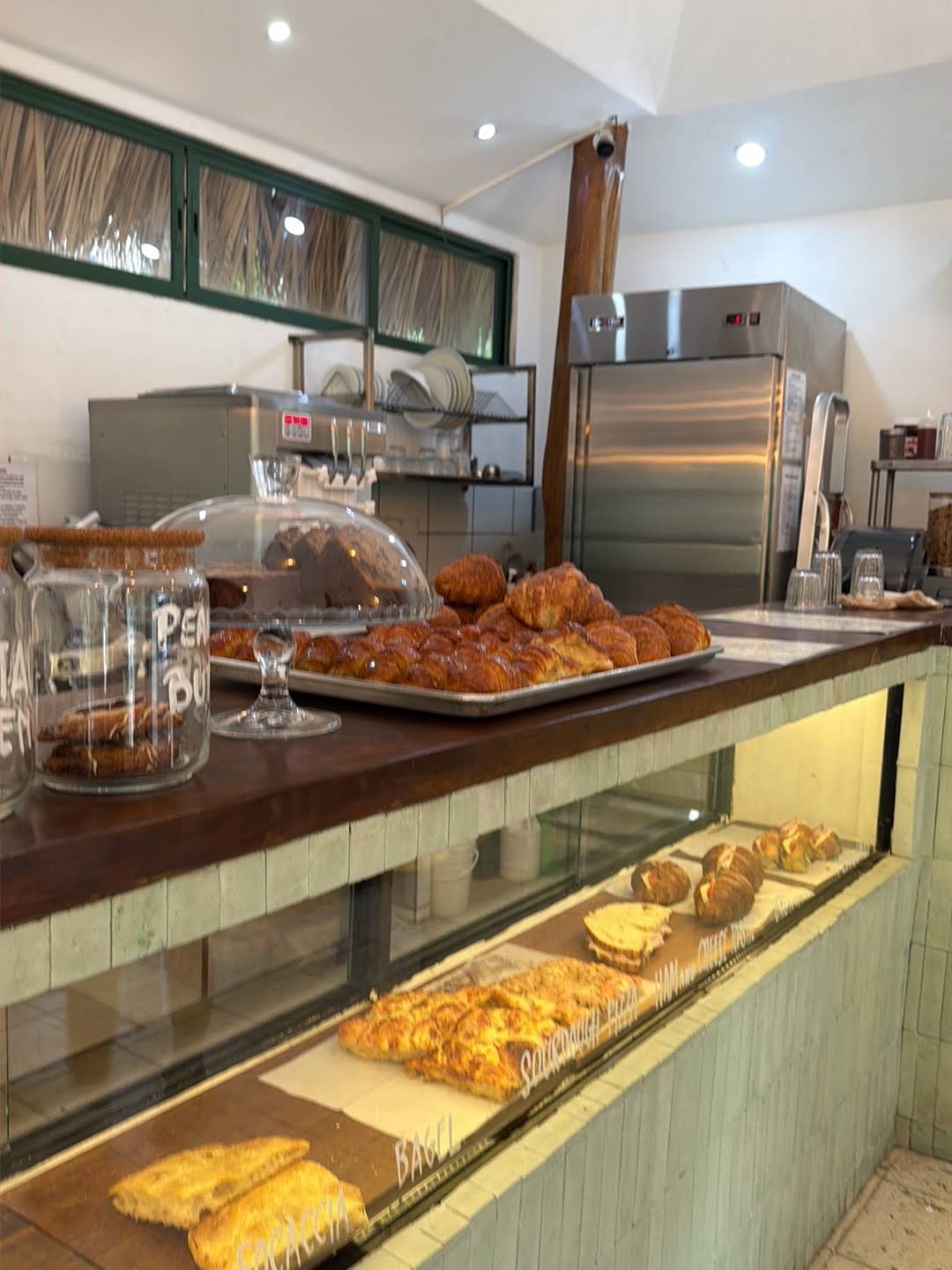
A useful stop near The Bakery and the surrounding Playa Carmen businesses. It works well for short trips to nearby cafés, shops and services. Open the Bimba app for directions to the exact dock.
Physical dock
BAC Bank
A practical docking point for trips to banking, ATMs and other everyday services in the Santa Teresa area. Check the Bimba app for the exact dock location and use BAC's official locator for current branch and ATM services.
Beyond the five physical docks, Bimba riders can finish at approved parking points throughout the network. Choose the location in the app, leave entrances and walkways clear, and confirm that the ride has ended before walking away.
Two kinds of approved return
Know what to expect when you arrive.
Physical docking station
Lock, confirm and charge.
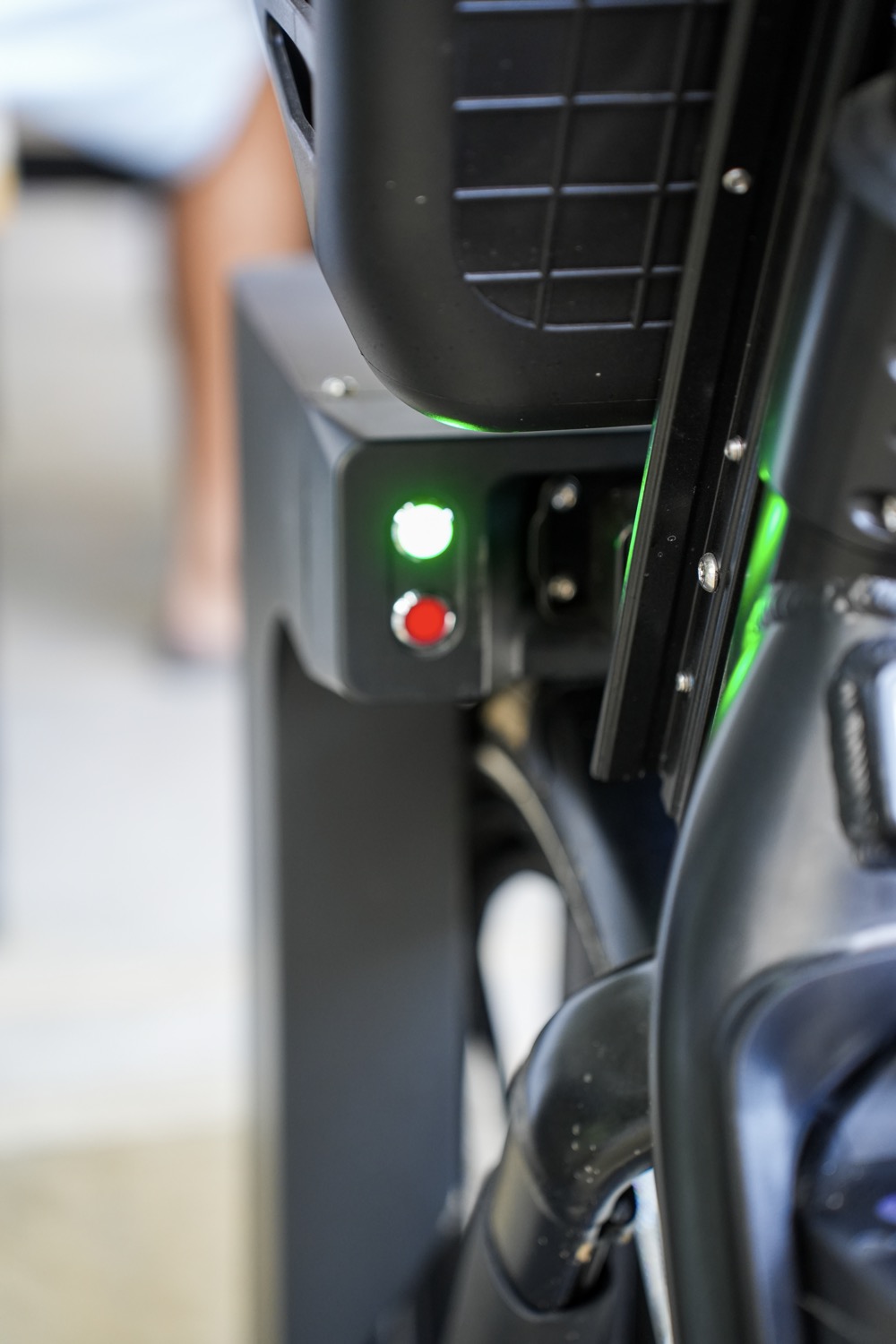
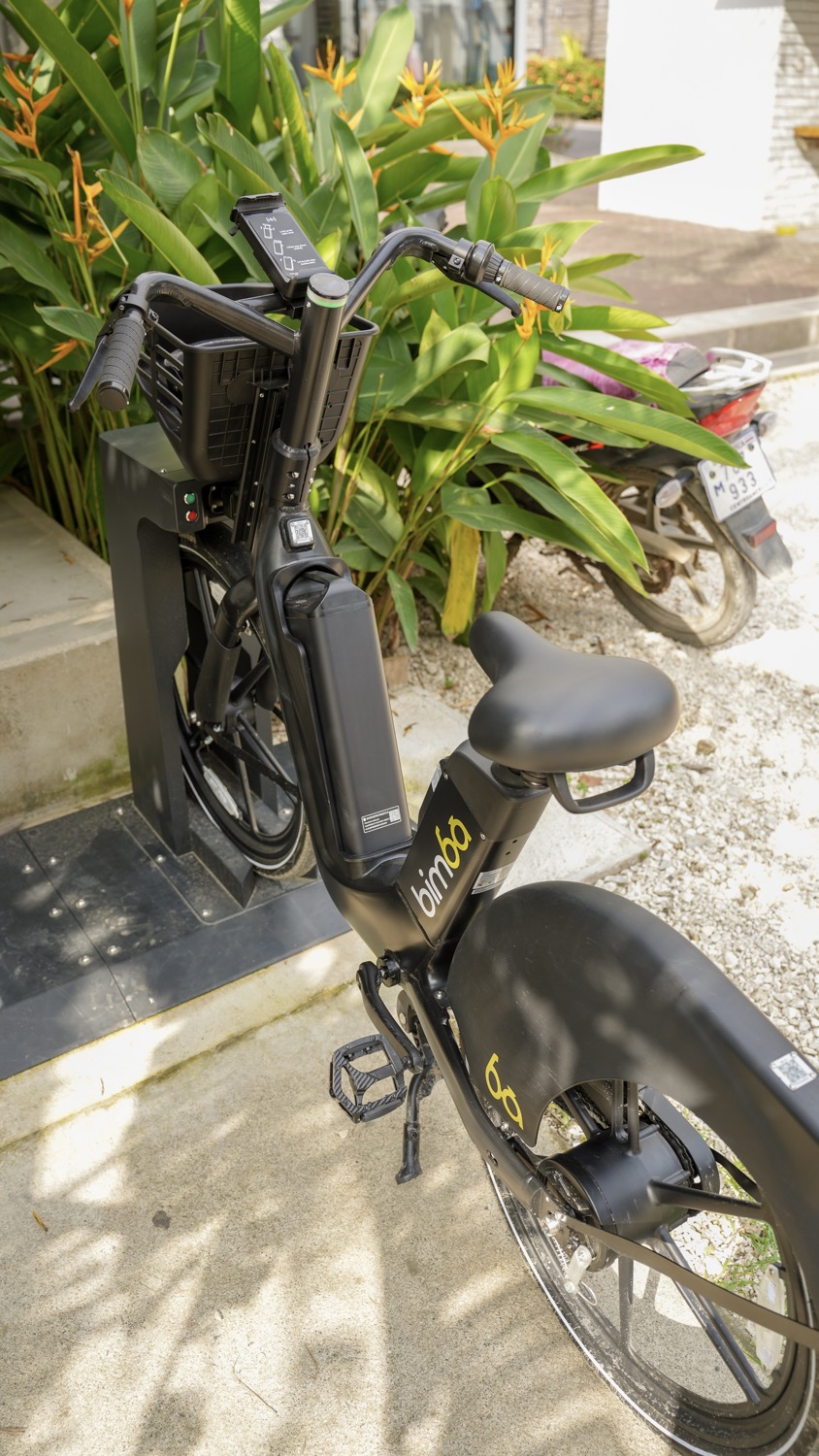
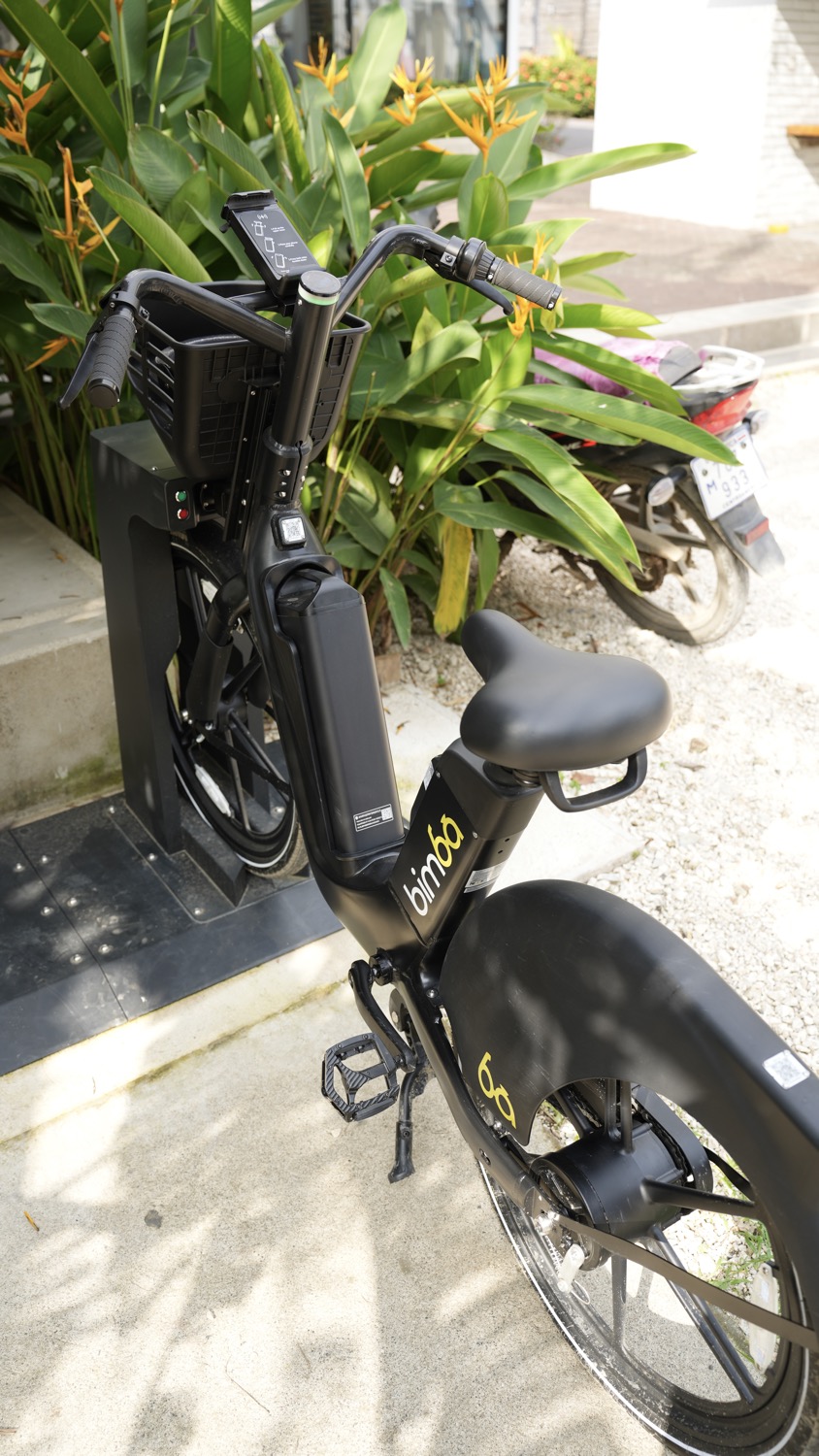
At a physical Bimba dock, guide the vehicle fully into the station. The dock detects the vehicle, locks it and begins charging. Check the indicator and the Bimba app before walking away.
Current physical dock locations identified by Bimba: Somos Hostel · Namoré · BAC Bank · Rico's · Liam's Place (near The Bakery).Approved business parking
A marked place without hardware.
Bimba also has approved parking at participating businesses without physical docking hardware. Use only the parking point shown in the live app and follow the on-site and in-app instructions.
Not every business parking point includes a charger or locking dock. Follow the instructions shown for that location.
At a physical station
A good return ends with confirmation.
Approach slowly and line the vehicle up with the dock. Guide it into the station as shown instead of pushing at an angle or forcing the mechanism. Look for the station indicator and check the Bimba app. The hardware and the screen should agree that the vehicle is secured and the ride is over.
If the dock does not respond, do not repeatedly strike, lift or twist the vehicle. Check whether another approved position is available and follow the current in-app guidance. When the ride remains active, stay with the vehicle where appropriate and contact support with the vehicle number and exact location.
A physical dock does more than organize the street. It gives compatible vehicles a defined place to lock and charge, helps the local team understand where fleet attention is needed and makes the expected parking position visible to the next rider.
Planning along the coast
Choose a location near the trip, not just near the beach.
North
Santa Teresa
The northern part of the network includes accommodation, surf-focused businesses, cafés and restaurants. Distances can look short on a screen but feel longer in midday heat or rain. Check the exact pin and whether your destination is on the main corridor or up a side road.
Central
Playa Carmen
Playa Carmen is a busy everyday hub for food, groceries, services and connections toward other areas. Expect more turning vehicles and pedestrian activity. Slow down before entrances and choose the approved location that avoids an unnecessary crossing or backtrack.
South
Mal País
Southbound trips can lead toward restaurants, accommodation and coastal destinations around Mal País. Road surface, darkness and weather matter more than the pin alone. If the route is unsuitable for your experience or vehicle, use a taxi or another appropriate option.
Before tapping End Ride
Parking is the final part of riding responsibly.
Choose the location in the app.
Do not rely only on a website screenshot or memory. Confirm that the point is available for the current ride.
Enter slowly.
Watch for people, vehicles, steps, gravel and changes in the surface near a business entrance.
Keep access open.
Never block a doorway, driveway, road, pedestrian route, accessibility path or beach access.
Use the exact area.
Follow on-site signs and the app. A nearby wall or empty space is not automatically approved parking.
Secure the vehicle.
Use the physical dock when instructed or leave the vehicle upright and stable in the approved business area.
Confirm the trip ended.
Check the final status and any on-screen request before walking away. Contact support if the ride stays open.
Local places make the network possible
Every useful stop connects a rider with Santa Teresa.
The Bimba network is built around places people already visit: breakfast, groceries, surf, work, dinner, accommodation and everyday errands. Hosting an approved parking point can make a business easier for riders to find, while giving the mobility network a clear and accountable destination.
A location must also work for the people who use that property every day. Parking should not create a new obstacle for staff, guests, deliveries or neighbors. Bimba reviews practical access, visibility, operations and rider behavior when considering a location. A listing does not guarantee a fixed amount of traffic or sales.
The live Bimba app is the source of truth for current availability, approved parking and end-ride instructions.
Where can I find a Bimba in Santa Teresa?
Open the Bimba app to see vehicles that are currently available and the approved places where a ride can begin or end. The website explains the network and provides directions, but it cannot guarantee that a vehicle is waiting at a particular location.
Can I leave a Bimba bike or scooter anywhere?
No. Finish only at an approved Bimba parking location shown in the app. Leave the vehicle upright inside the indicated area, keep entrances and pedestrian access clear, follow any docking instruction and confirm that the app shows the ride as ended.
What is the difference between a physical dock and an approved parking point?
A physical dock locks and charges a compatible Bimba vehicle. Current physical dock locations identified by Bimba include Somos Hostel, Namoré, BAC Bank, Rico's, Liam's Place (near The Bakery). Other participating businesses provide an approved parking area without docking hardware.
Does the map show live bike and scooter availability?
The website map is a directory of the Bimba location network. Live vehicle positions, current parking availability, ride boundaries and end-of-ride instructions appear in the Bimba app and can change throughout the day.
Do I need to return a vehicle to the same place?
Bimba is designed for point-to-point trips between approved locations, so you normally do not need to return to the exact place where you started. Use the app to choose a valid destination and follow the instructions for that location.
What should I do if a dock does not confirm my return?
Stay with the vehicle and check the app before walking away. Make sure the vehicle is fully positioned as instructed. If the ride remains active, contact Bimba support with the vehicle number, location and a short description; do not assume the trip has ended.
The network moves · The app stays current
Find your next Bimba.
Check live vehicles and approved parking before you go, then leave the location clear and ready for the next rider.

 01Bimba parking location