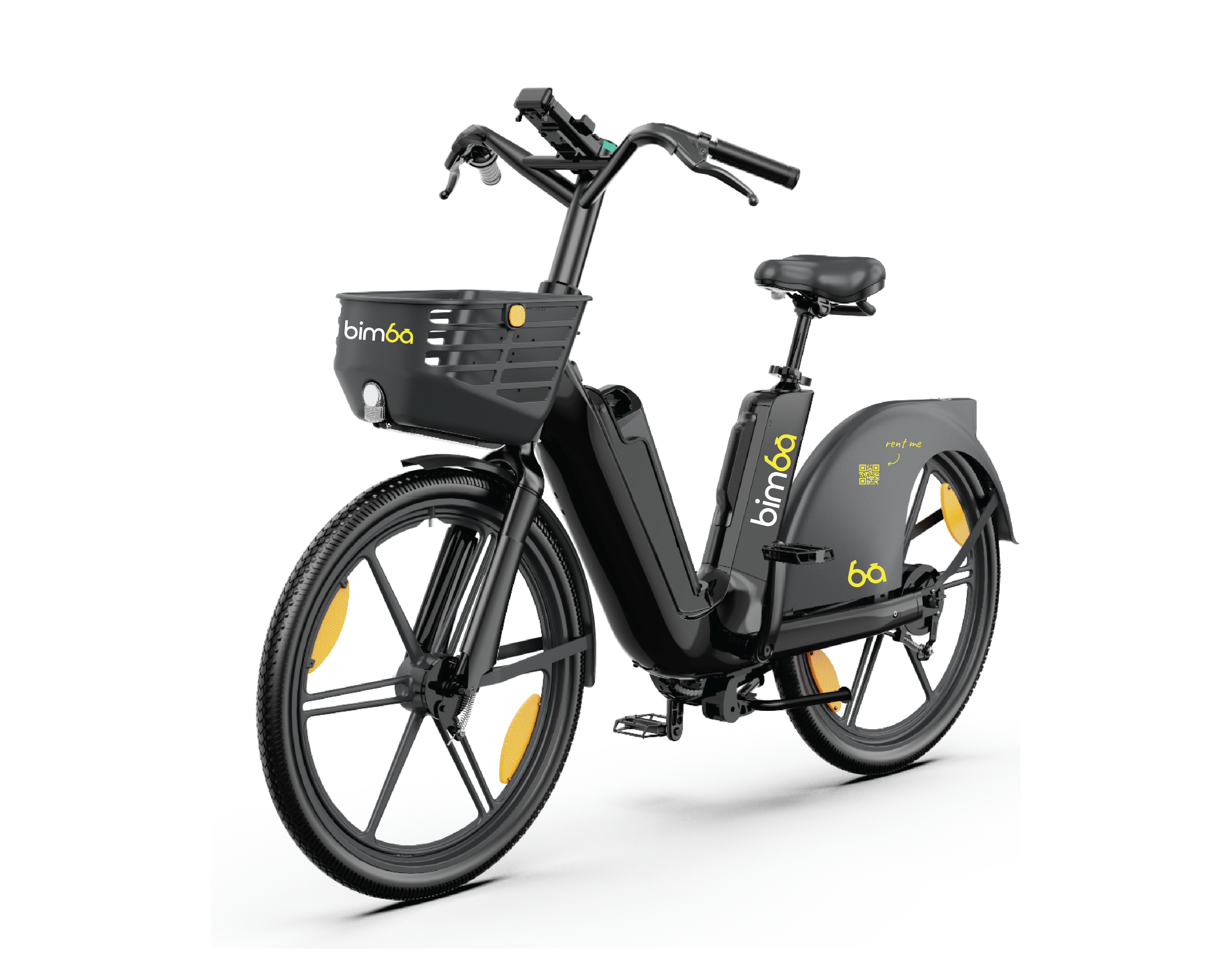
If the app does not unlock the vehicle or the ride starts but the vehicle will not move normally, do not force it. Read the app message and work through the matching check below.
About this pageBimba Vehicle Won’t Start: What to Check
What it helps withSanta Teresa, Costa Rica
Guide typeHelp article
Live detailsCheck the Bimba app
01
The QR code did not scan
Clean only your phone camera lens, improve the lighting and scan the QR label again without scraping or altering it. If the QR number cannot be read or the app does not recognize it, choose another vehicle and report the label.
02
The app shows a payment error
Check that the payment method is supported, current and has sufficient available funds for any temporary authorization. Update it through the secure app flow. Never send a card number or verification code to support.
03
The ride is active but the vehicle does not move
Release the brake and make sure the vehicle is inside the active corridor. An e-scooter motor may require a gentle initial push before the accelerator engages; an e-bike should be started by smooth pedaling. Do not repeatedly press the accelerator while stationary.
04
The app shows a vehicle error
Do not ride, repair, shake or force the vehicle. End or cancel according to the app, choose another Bimba and report the QR number, location and error screenshot. If a ride or charge remains active, contact support for manual review.
✓
Reviewed by Bimba Operations TeamOperational information verified · August 5, 2026
Short, practical answers based on Bimba’s service information and cited official sources where applicable.
What should I know about the qr code did not scan?
Clean only your phone camera lens, improve the lighting and scan the QR label again without scraping or altering it. If the QR number cannot be read or the app does not recognize it, choose another vehicle and report the label.
What should I know about the app shows a payment error?
Check that the payment method is supported, current and has sufficient available funds for any temporary authorization. Update it through the secure app flow. Never send a card number or verification code to support.
What should I know about the ride is active but the vehicle does not move?
Release the brake and make sure the vehicle is inside the active corridor. An e-scooter motor may require a gentle initial push before the accelerator engages; an e-bike should be started by smooth pedaling. Do not repeatedly press the accelerator while stationary.